The Truth Revealed, A Knowing Smile — HHKB Professional HYBRID Type-S Electrostatic Capacitive Keyboard Review
When it comes to keyboards, HHKB has always been that legendary brand you simply can’t ignore. Countless top programmers have tried every keyboard on the market, only to eventually settle on an HHKB to “cure their addiction” — that alone says everything about what makes this brand special. As the definitive representative of 60% keyboards, electrostatic capacitive keyboards, and high-end compact keyboards, HHKB’s popularity has actually grown well beyond the geek community in recent years, with more and more mainstream users making the switch.

This time, I want to set aside my programming needs (reaching the conclusion that HHKB is great from that angle is hardly surprising) and instead evaluate the HHKB Professional HYBRID Type-S electrostatic capacitive keyboard from the perspective of a heavy content creator and hardcore gamer.
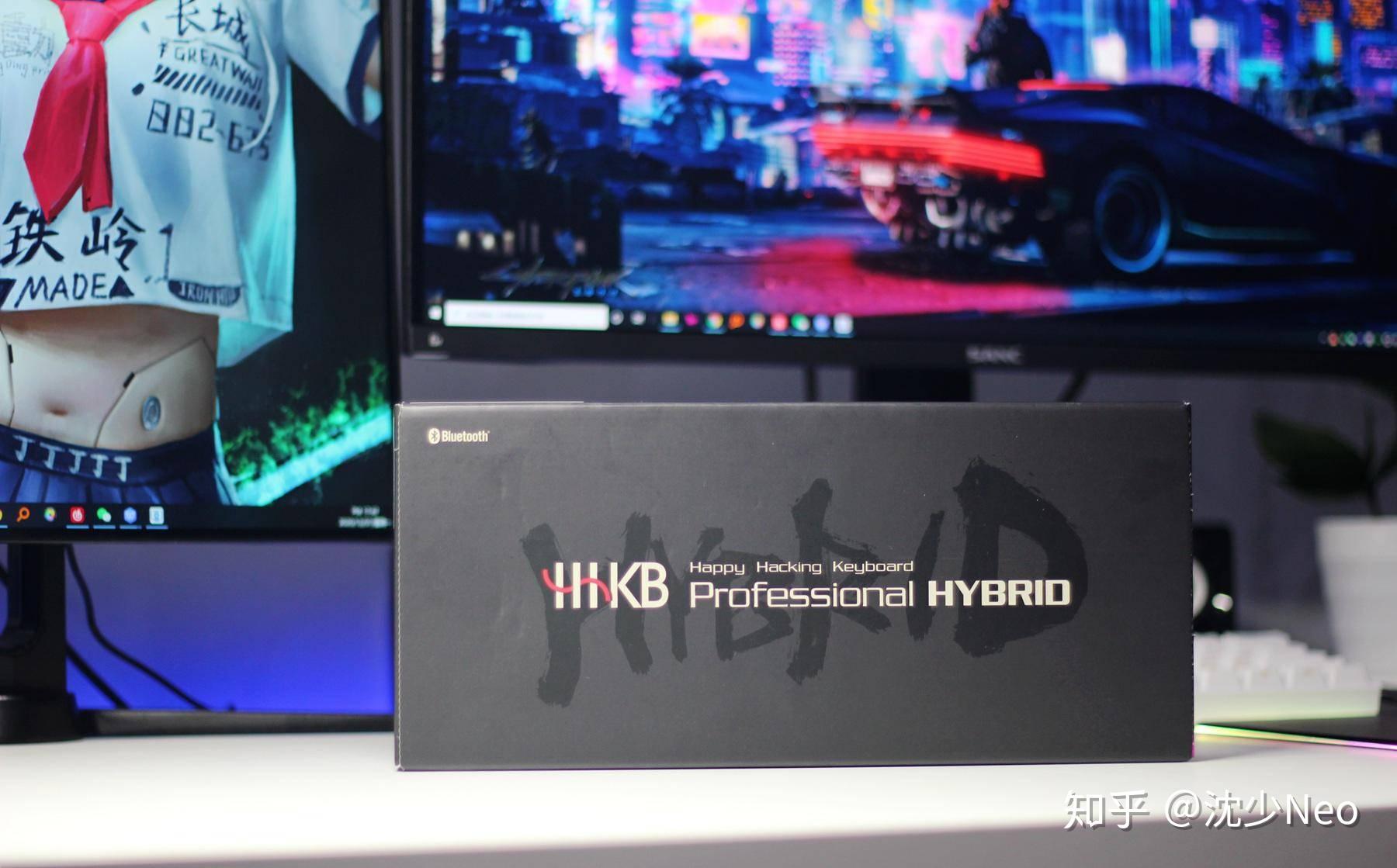
Although HHKB’s product lineup is fairly focused and the keyboards all look similar at first glance, there are meaningful differences between models. The HHKB I have is what people commonly call the “new silent dual-mode version.” In brief, its key features are:
-
Bluetooth 4.2 / Wired dual-mode connectivity: Greater versatility — primarily wireless via Bluetooth, but just plug in any standard Type-C cable whenever wired is needed.
-
Full PBT keycaps with dye-sublimation printing: Excellent keycap texture and feel, highly durable legends.
-
Silent design: Retains HHKB’s classic electrostatic capacitive switch feel while being extremely quiet — typing, coding, and gaming all have that whisper-smooth quality.
Key Layout
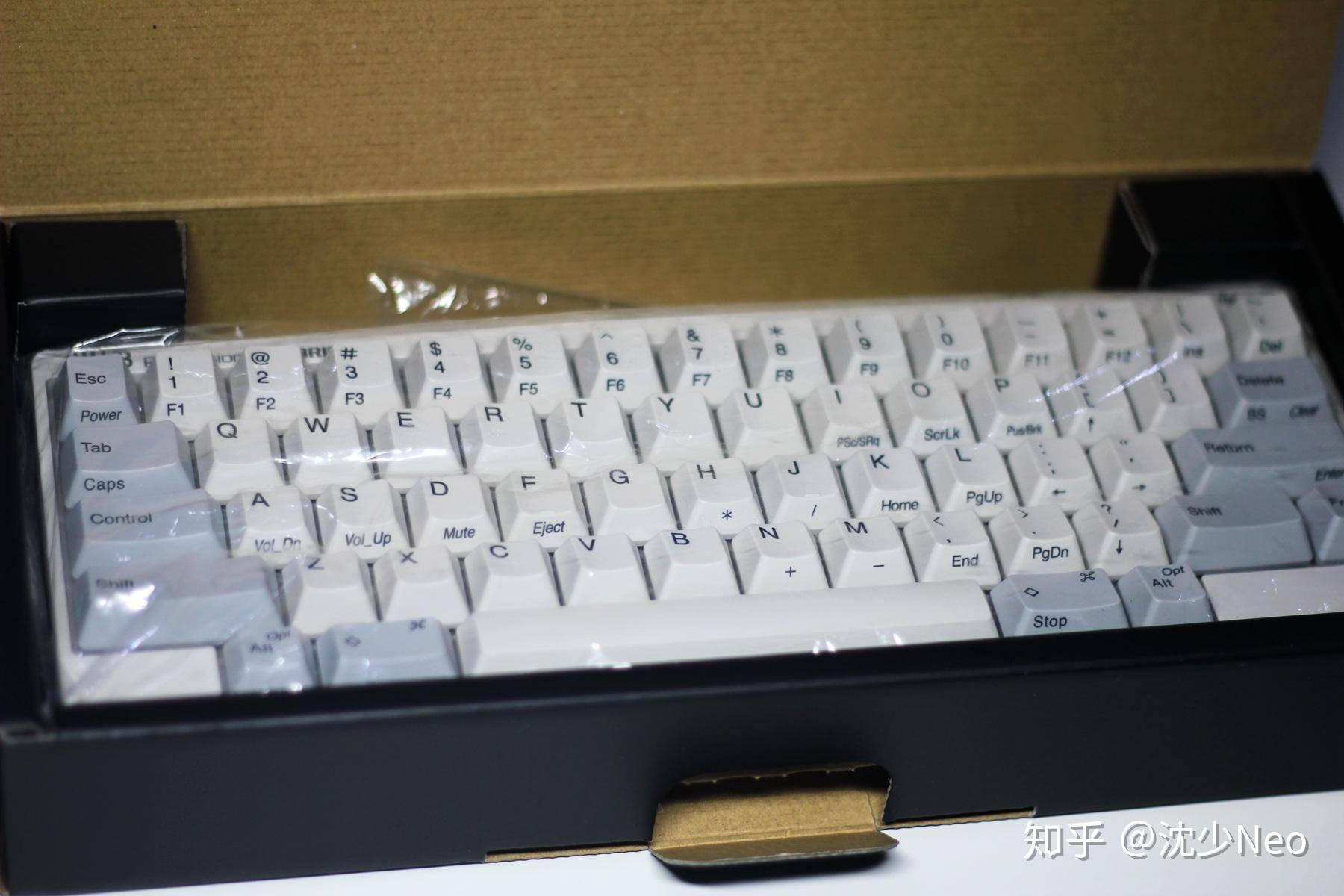
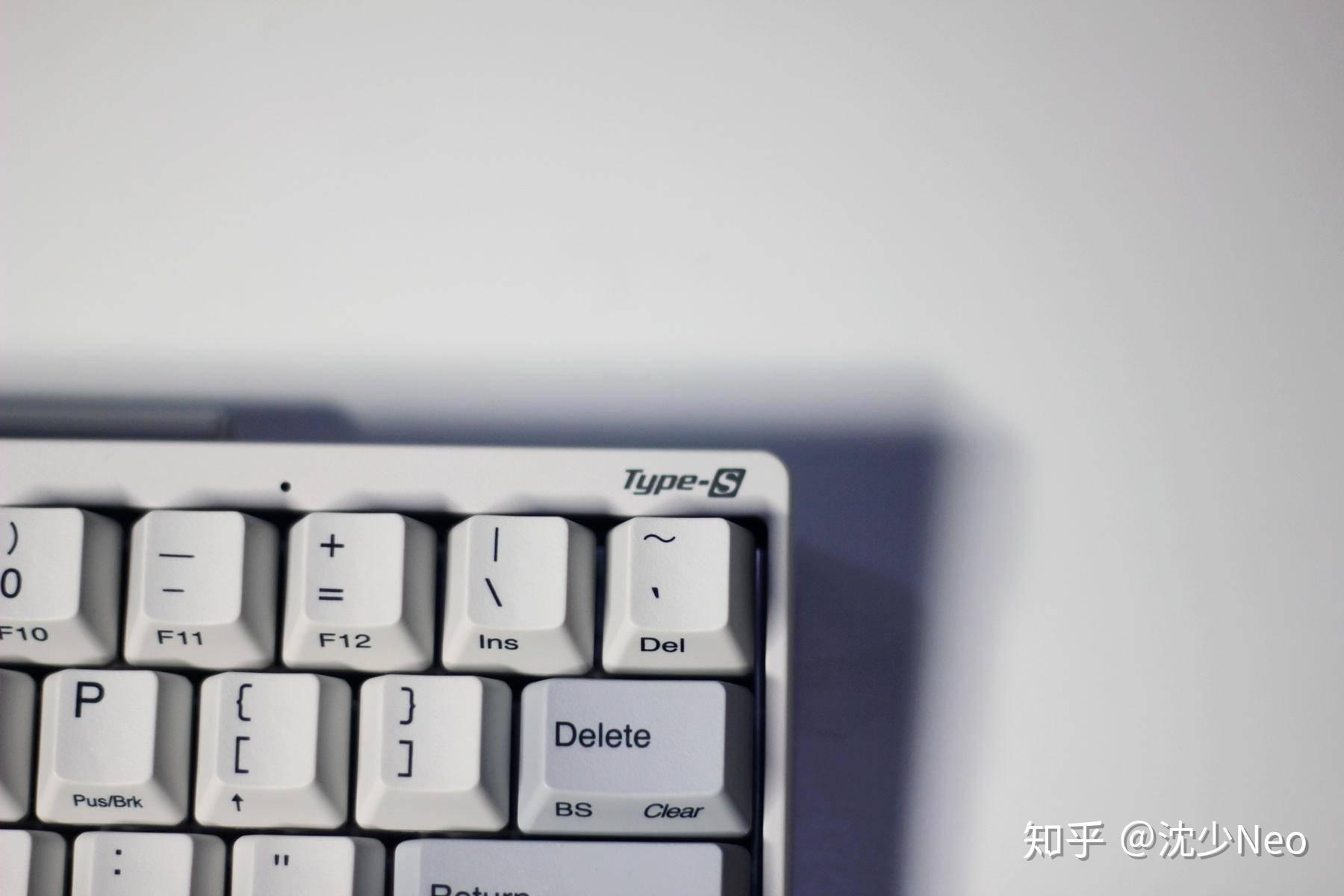
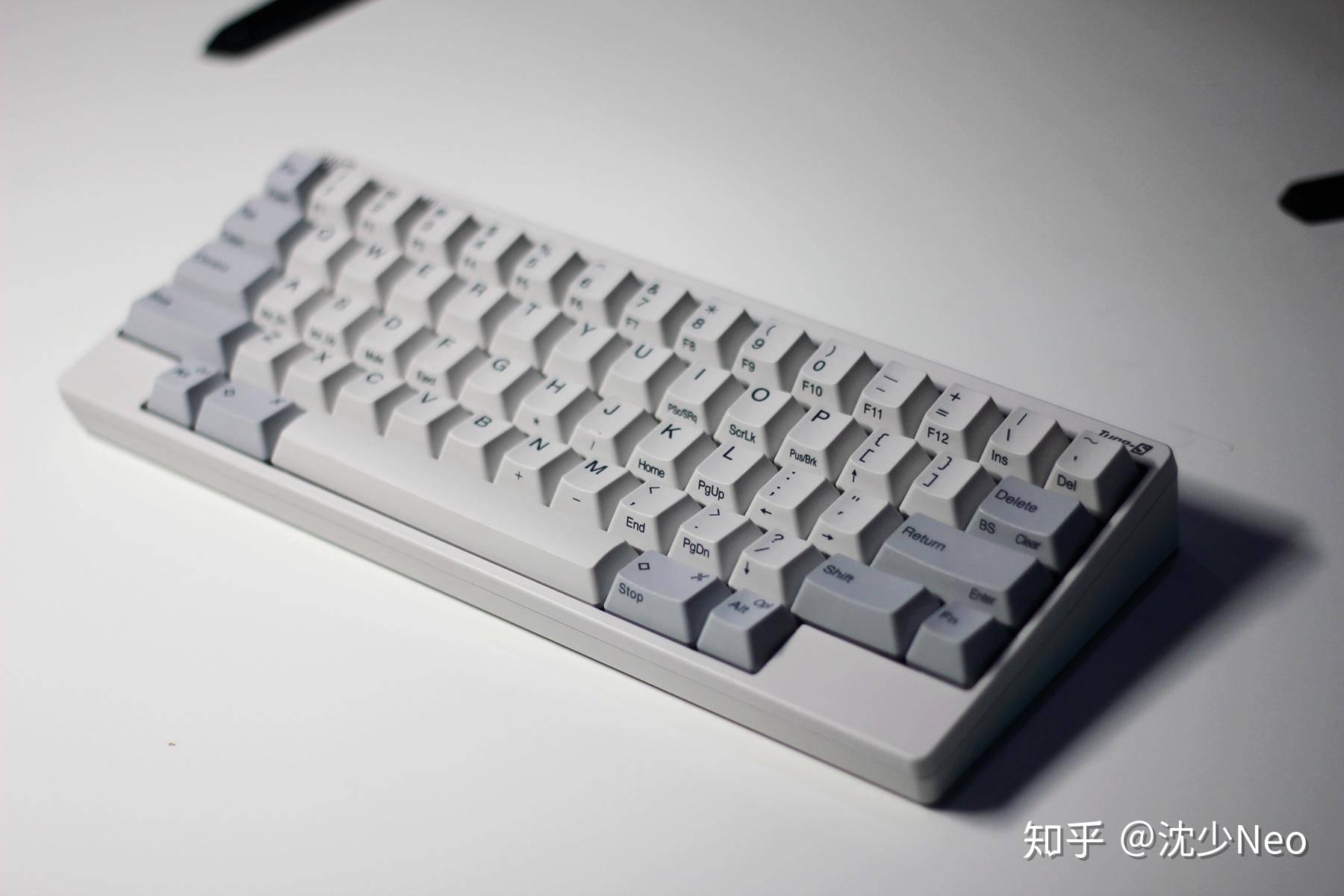
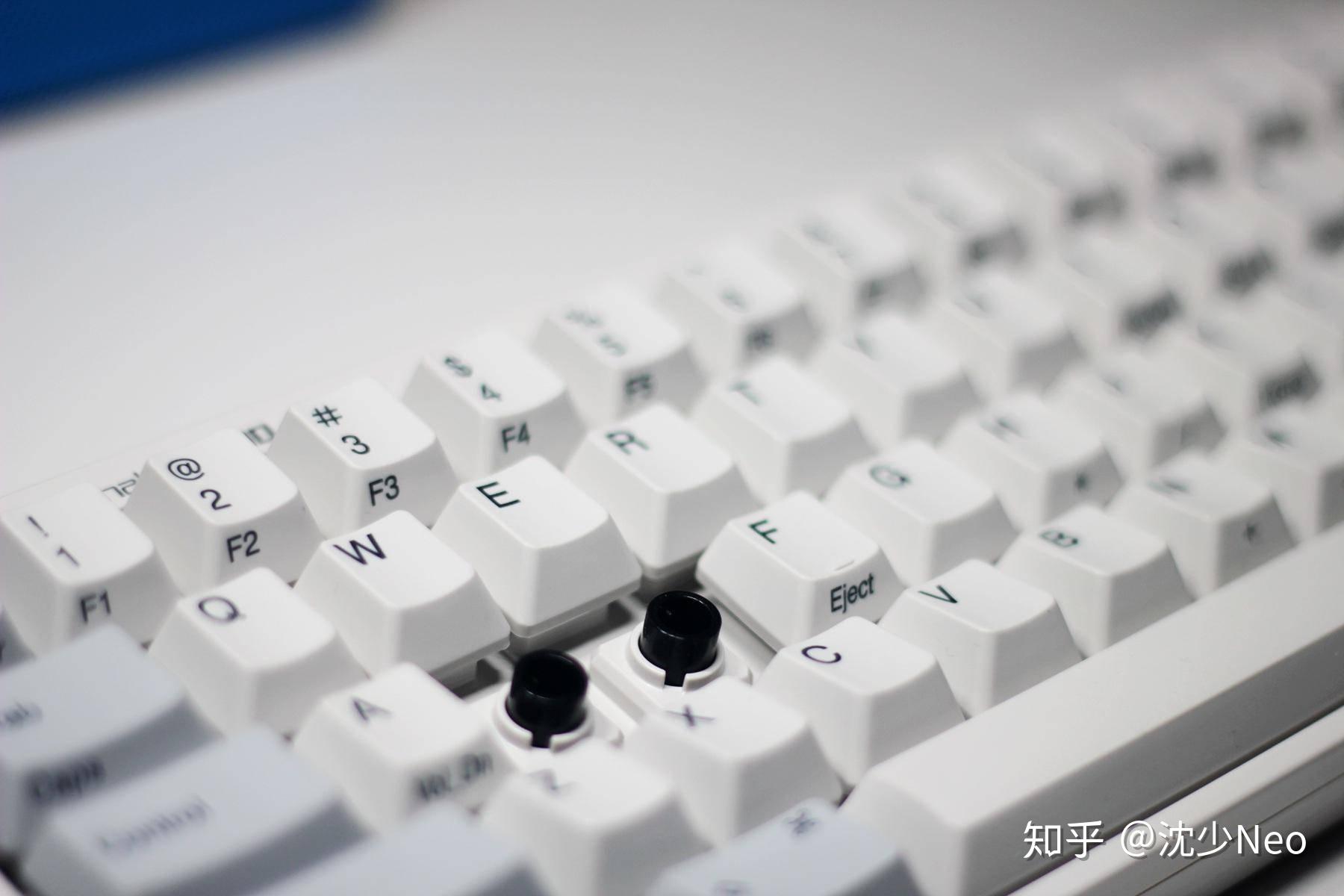
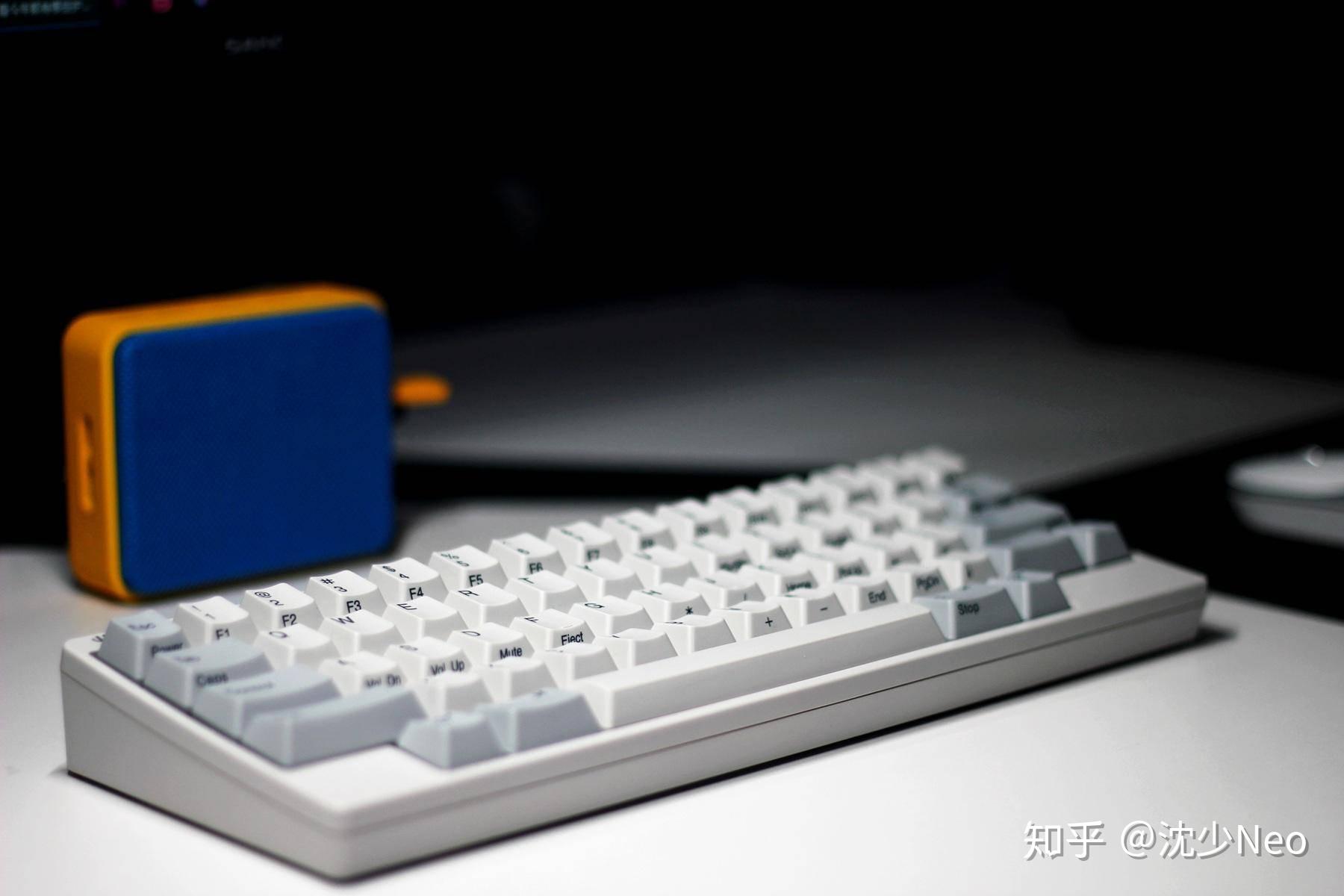
Moving on to the unboxing — the classic HHKB key layout is famously controversial and a perennial topic of discussion. As a 60% keyboard, HHKB retains the full-size keyboard’s 19.05mm key pitch and uses the traditional trapezoidal keycap profile, so the transition is actually much less steep than some people imagine. The alphanumeric zone especially is a seamless switch, with very low accidental-press probability.
The layout philosophy is that HHKB was designed purely for content creators. Whether typing prose or writing code, both hands can cover most of the keyboard’s keys throughout the input process without frequent stretching or large lateral movements. This keeps efficiency high while reducing fatigue — a key reason many programming legends and professional writers are devoted to HHKB. Compared to a standard keyboard layout, HHKB moves Esc down one row, Backspace down one row, and puts Ctrl where Caps Lock normally sits. After a short adjustment period, you’ll find your input efficiency genuinely improves.
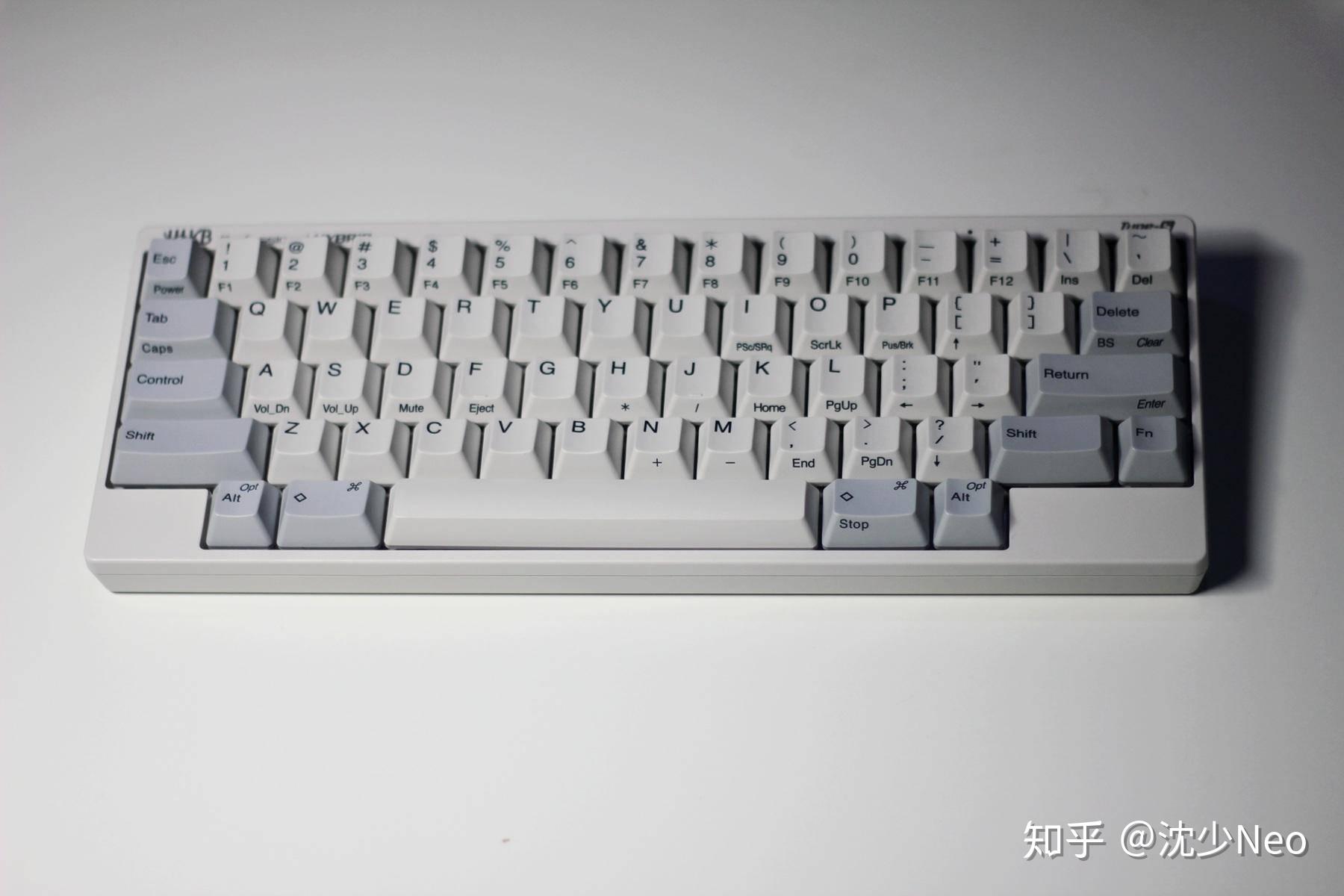
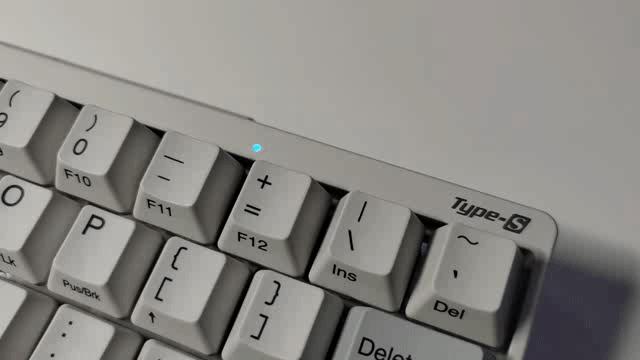
The model designation is subtly engraved in the upper-right corner. The small hole next to it is the system status indicator LED — very useful when setting up Bluetooth connections, as I’ll explain shortly.
DIP Switches & Customization
This HHKB is highly customizable. Beyond the standard approach of remapping keys via software, you can also make hardware-level function changes through the DIP switches on the keyboard’s underside. After getting the keyboard, I used the DIP switches to remap Delete to Backspace function — much more efficient for typing and writing.
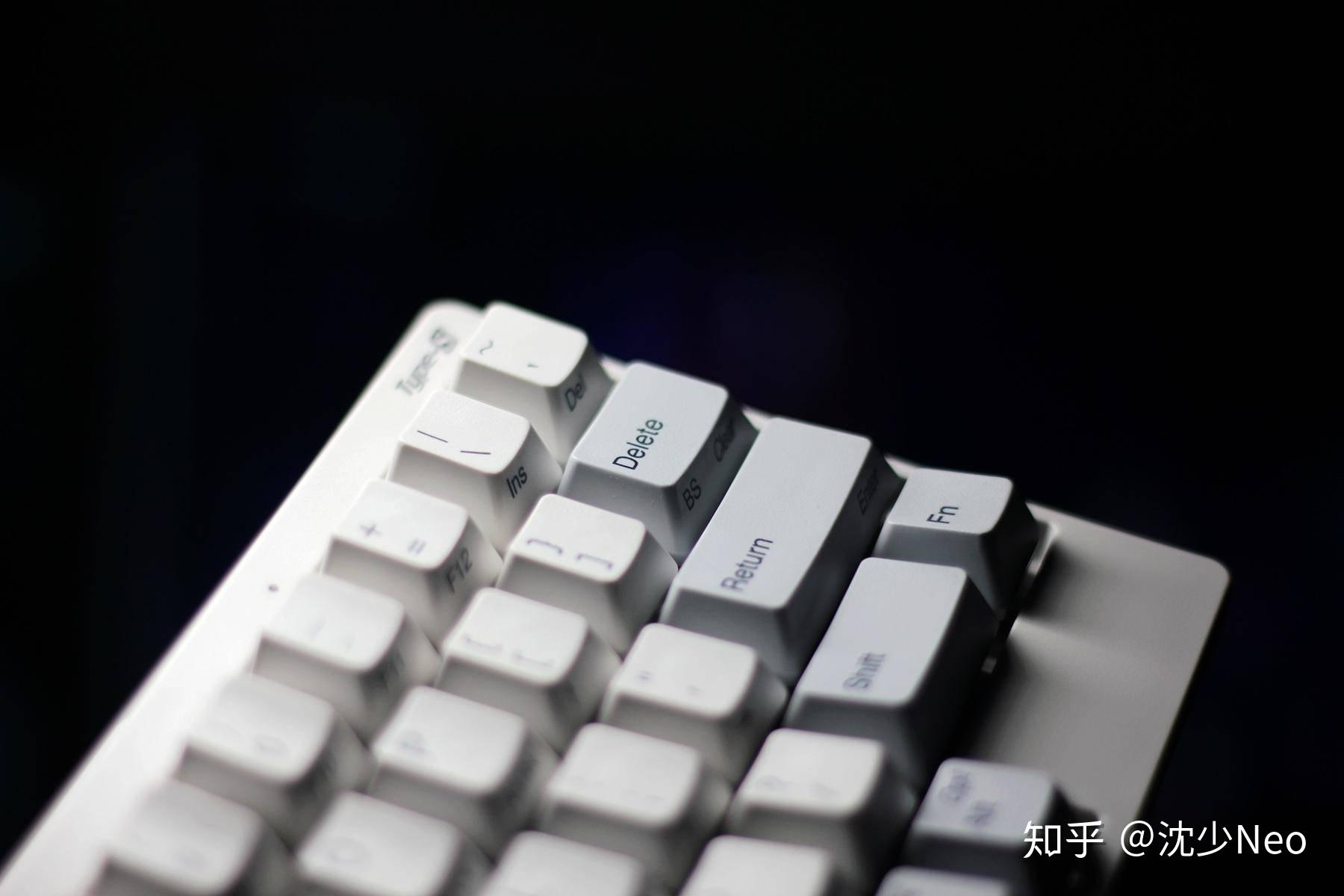
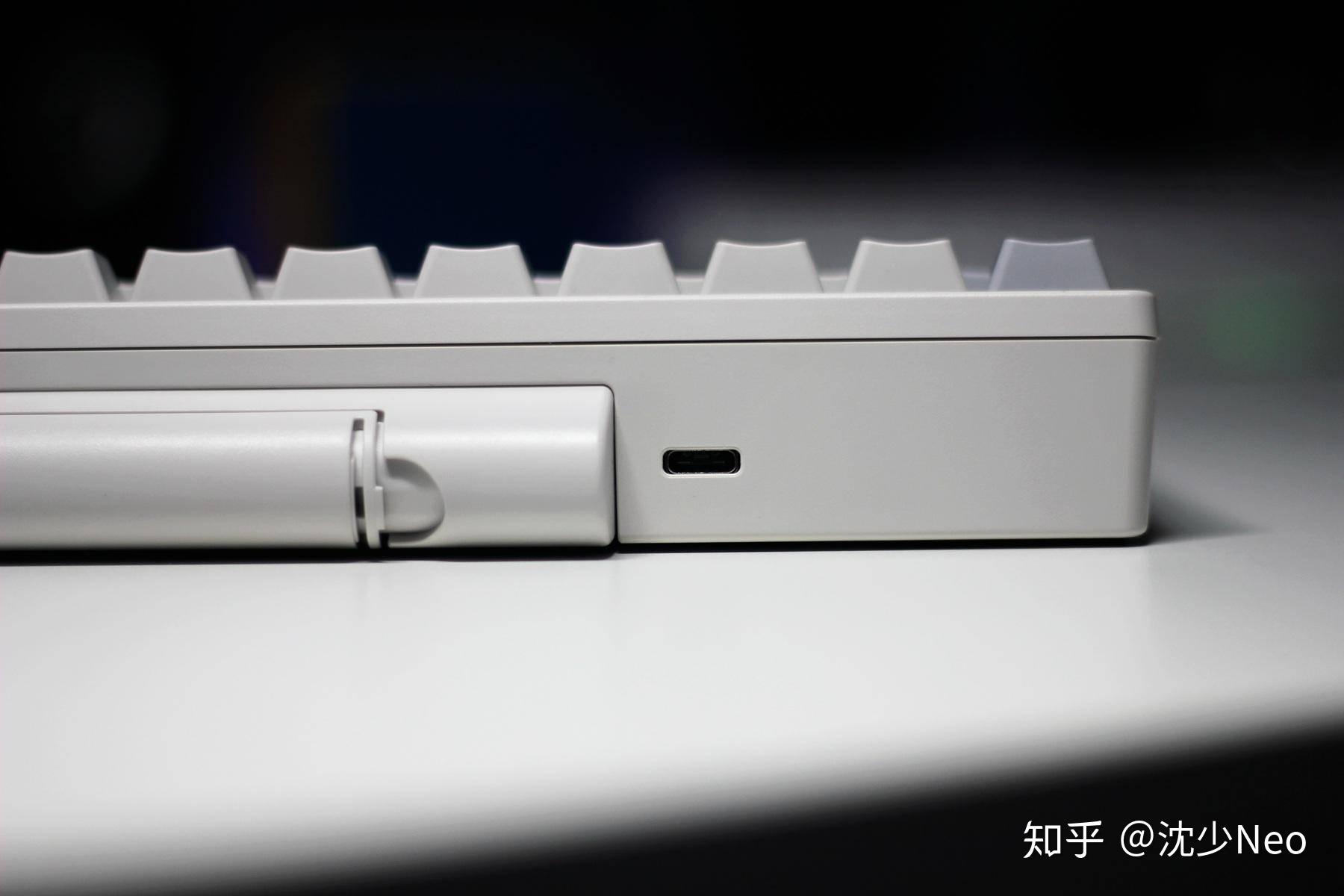
The keyboard is impressively light, yet the build quality is surprisingly good. The Type-C port sits on the back, and like the battery compartment, it’s out of sight during normal use.
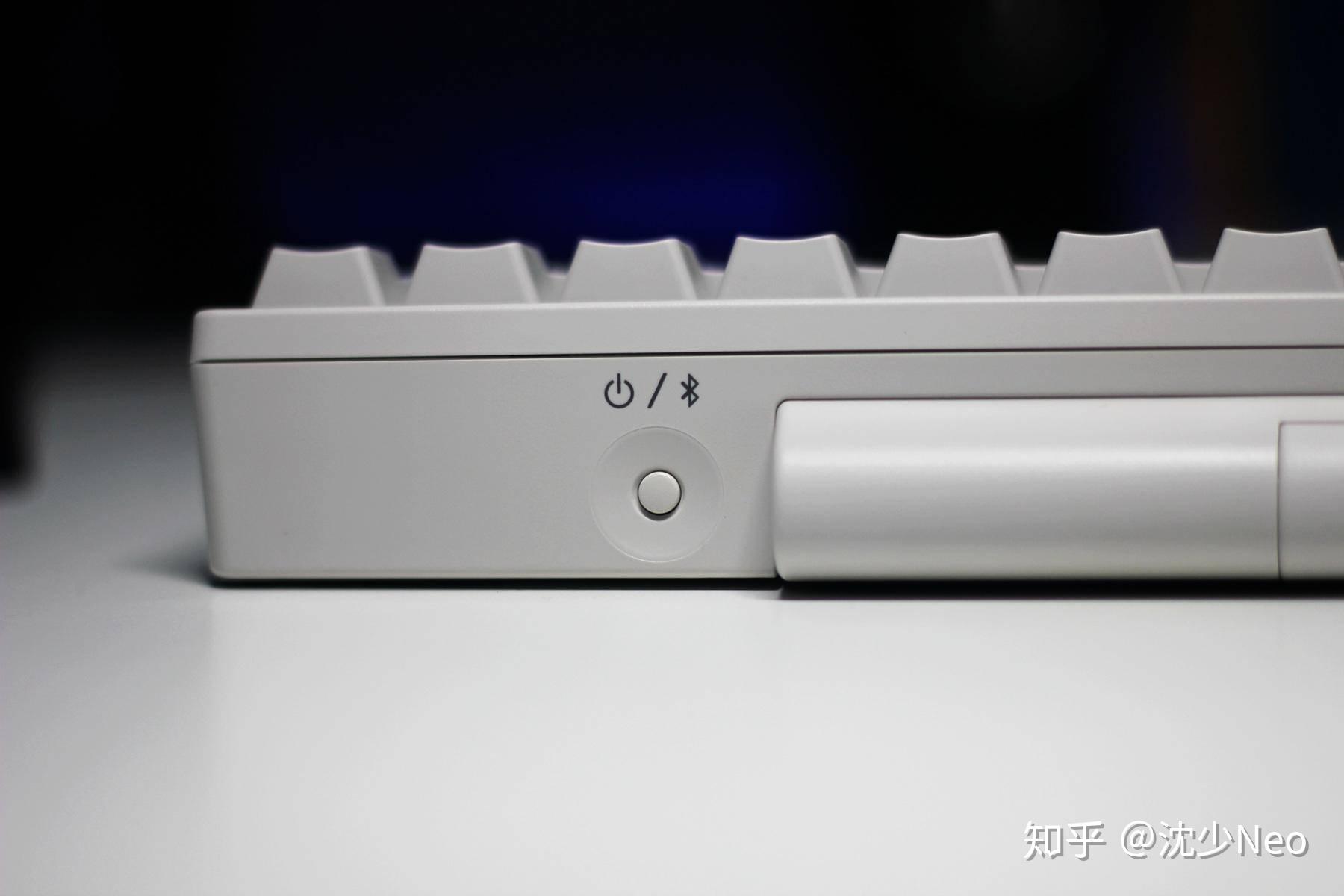
The other side has a physical power / Bluetooth switch. Long-press to power on or off; in Bluetooth mode, a short press wakes it from sleep.
Battery
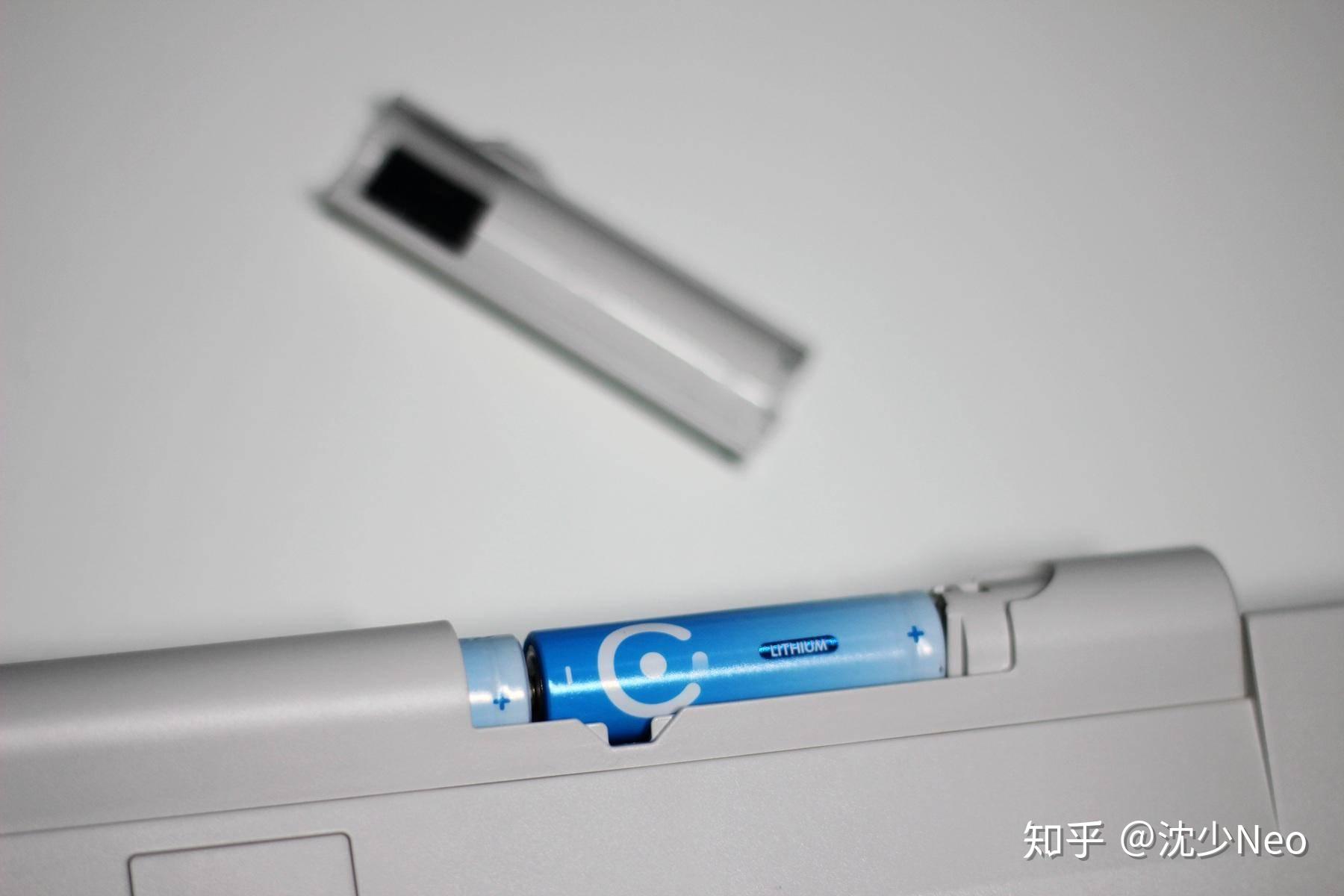
For batteries, I chose Nantime (耐时) batteries — lighter than standard AA batteries, making it more comfortable to carry the keyboard between different computers.
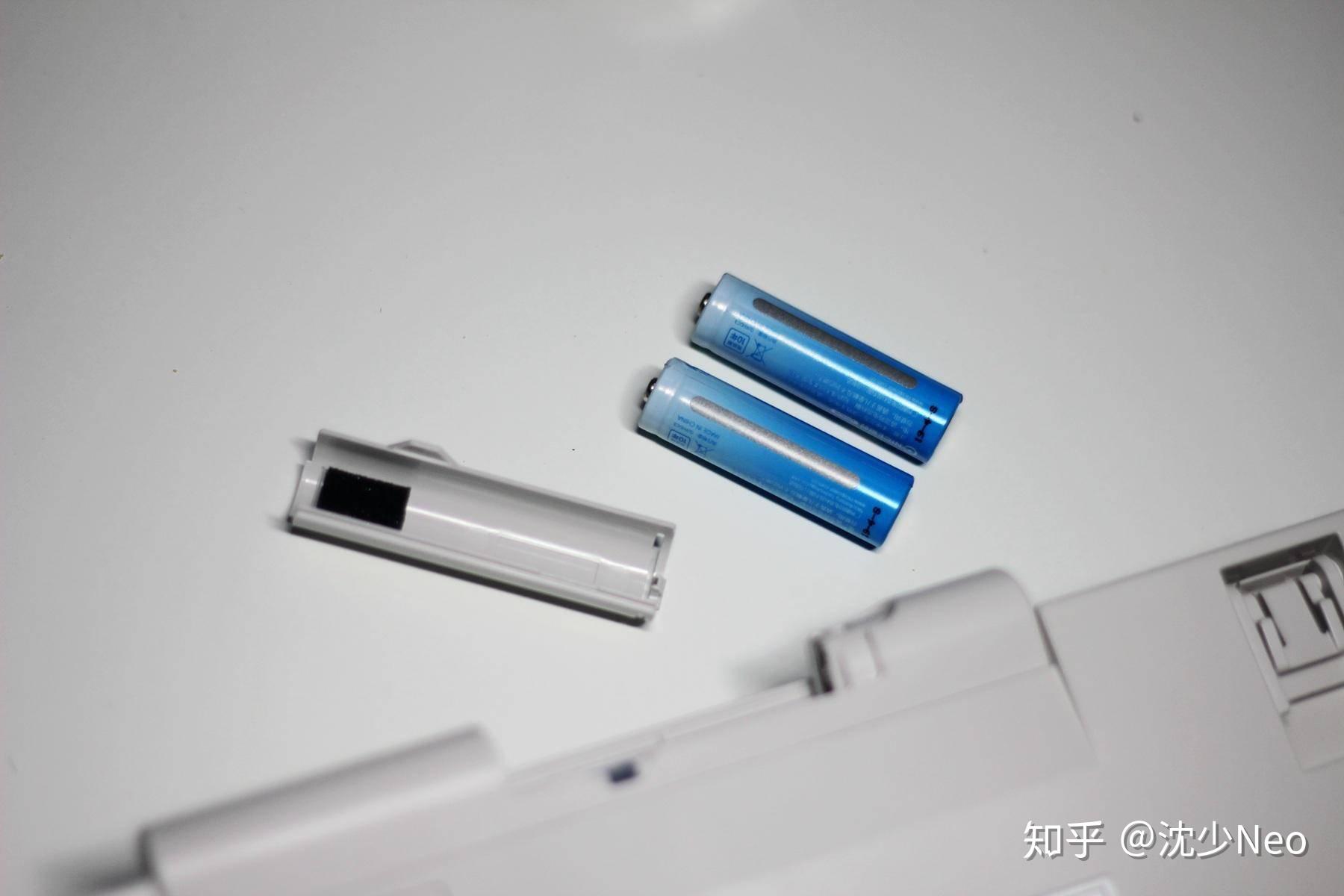
Battery life still needs further testing, but the choice of standard AA batteries rather than built-in rechargeable cells further extends this keyboard’s lifespan — no worry about the battery degrading after a few years and diminishing the experience.
Tilt Angles & Build
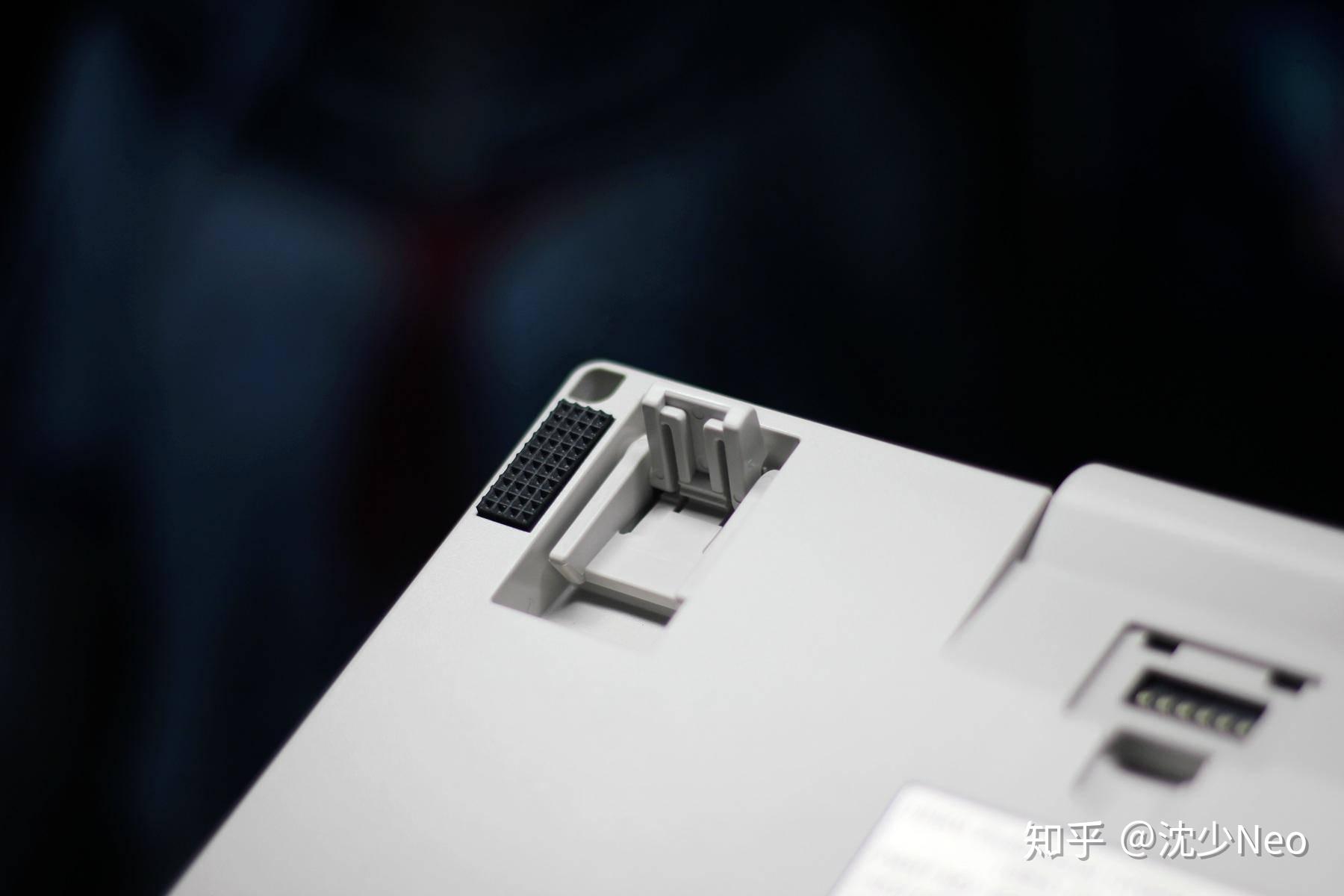
Beyond lying flat on its anti-slip rubber feet at the corners, the keyboard also has a two-stage tilt stand, offering three different tilt angles to choose from.
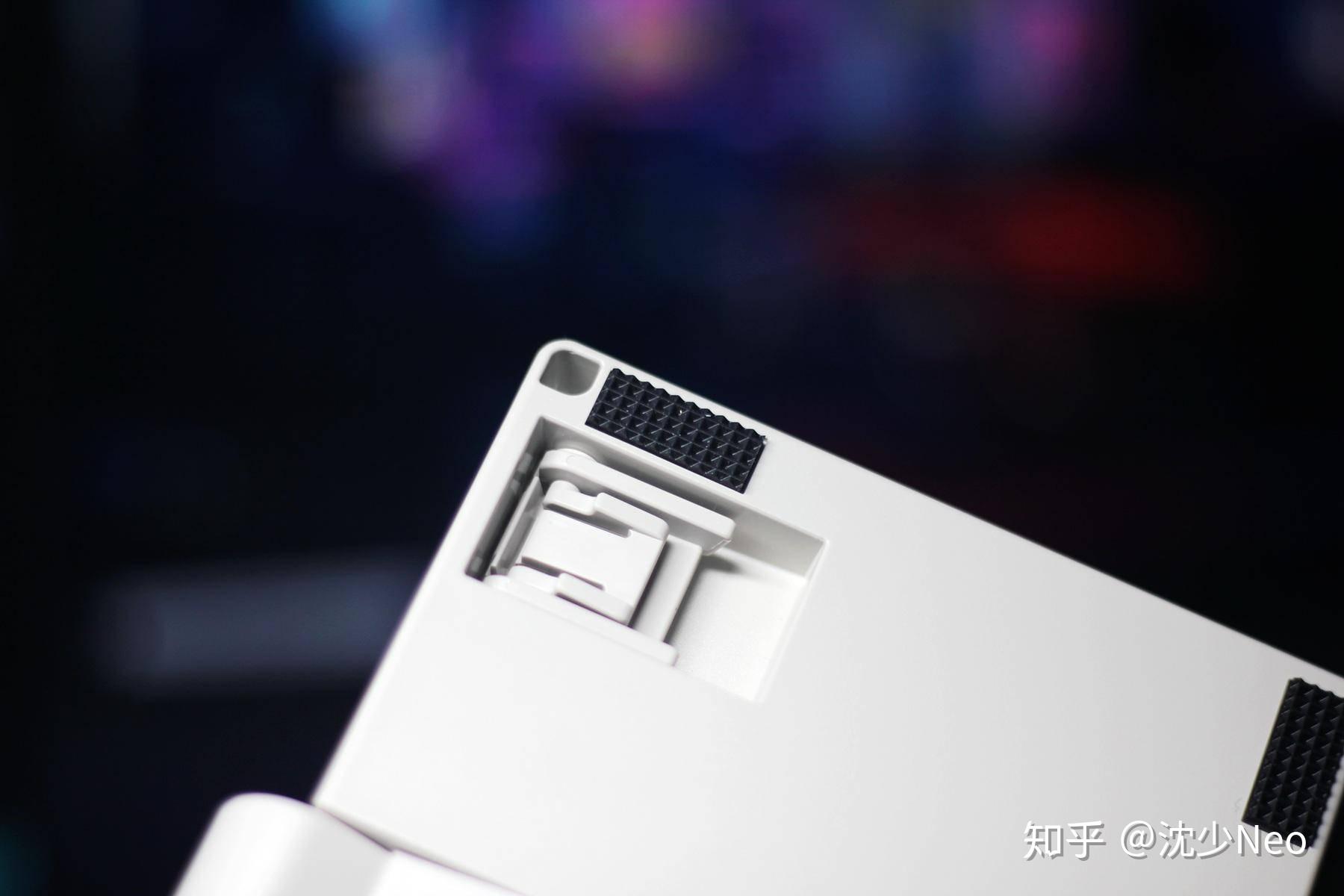
I compared the angles and prefer flat — but having options is always a plus.
Opening the small cover inside the battery compartment reveals the DIP switches. Note: because these are hardware switches, they must be adjusted when the keyboard is not powered. My configuration is DIP 1, 3, 6 on — Windows key layout, where Delete defaults to Backspace for more efficient everyday typing, and the keyboard doesn’t auto-shut off. The manual (and the sticker on the keyboard’s back) has the full English instructions; if there’s interest, I’ll write a detailed configuration guide later.
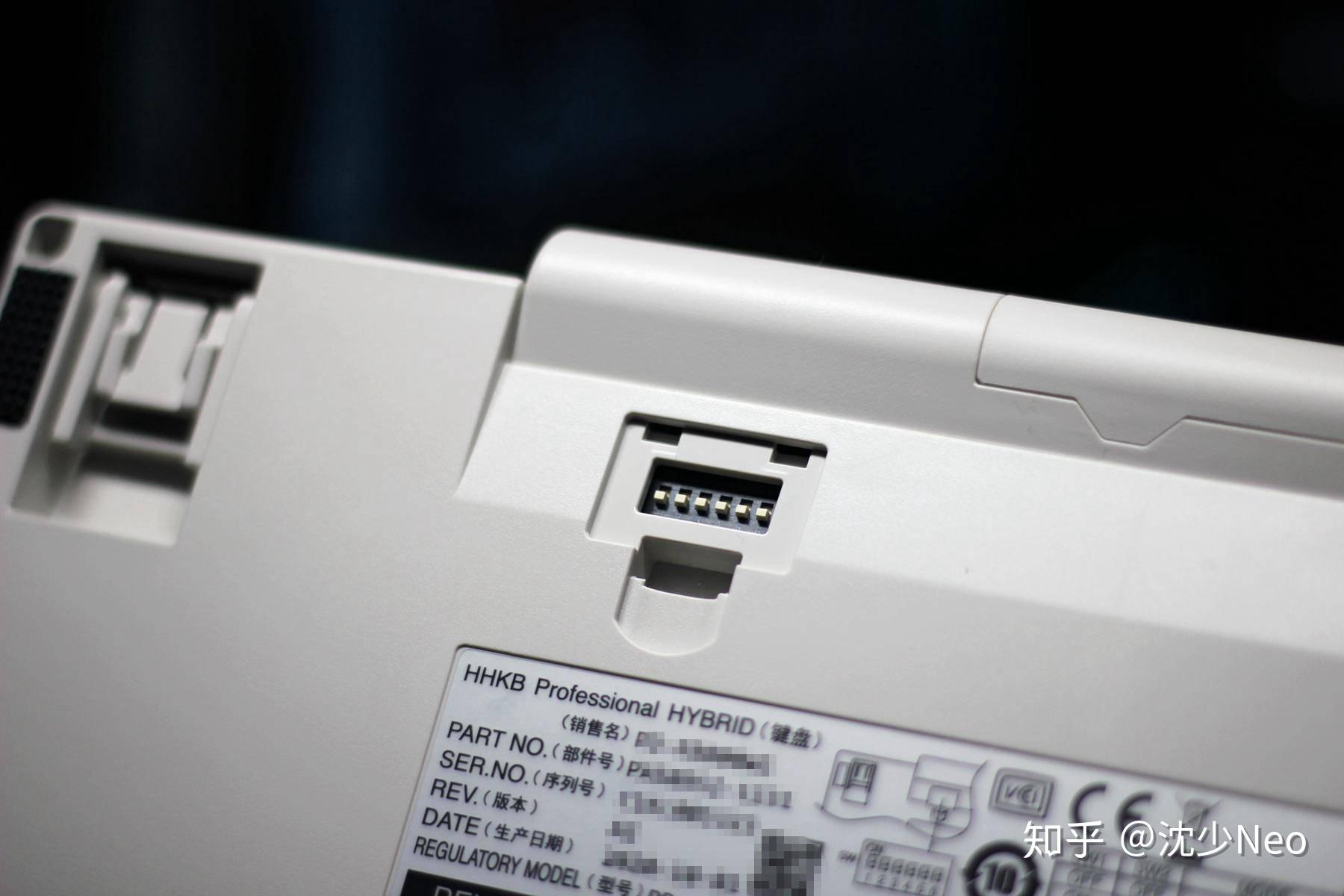
Overall, the HHKB’s design — from aesthetics to configuration — is both understated and surprisingly playful. The build quality is refined, while the extensive DIP switch options make it easy to dial in your preferred work mode.
Connectivity
As a dual-mode keyboard, there are two connection methods: wired and Bluetooth.
Wired is straightforward: plug in a Type-C cable, connect to your computer, long-press the power button to turn on the keyboard, then press Fn + Control + 0 to switch to wired mode.
For Bluetooth: after powering on, if the indicator is solid blue, press Fn + Q or tap the power button once to enter pairing mode — the LED will start flashing as shown below.
Next, press Fn + Control + 1 / 2 / 3 / 4 (pick one) to assign an unused Bluetooth device slot. The flash rate speeds up, putting the keyboard into pairing mode.
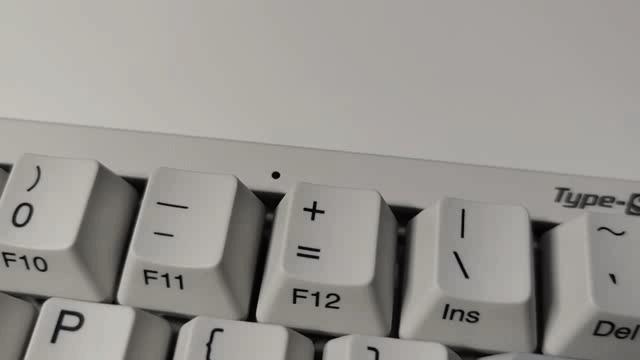
Then add the Bluetooth device on your computer and enter the PIN code shown on screen using the keyboard.
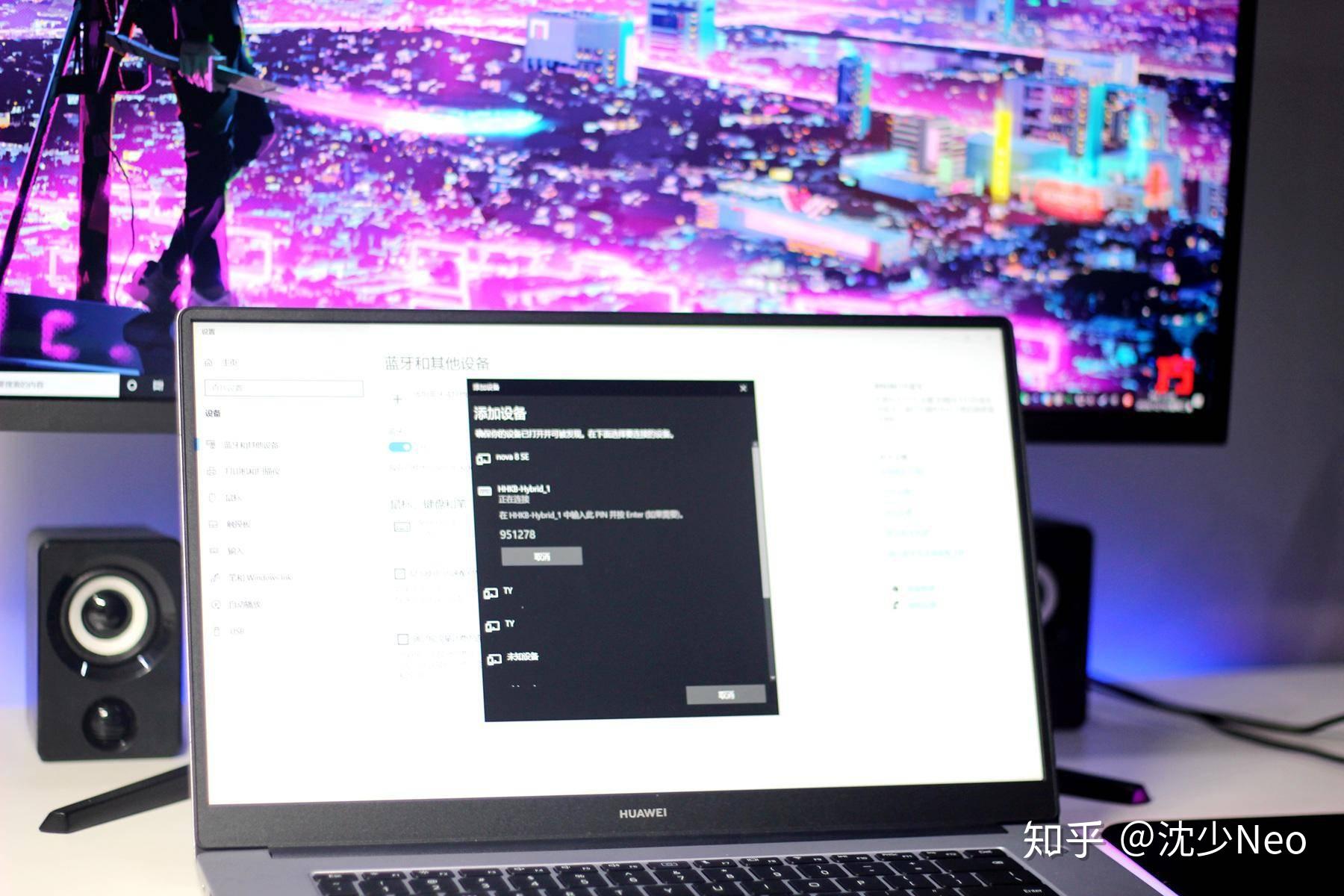
Connection complete. Compared to my laptop’s ultra-thin built-in keyboard, the HHKB’s typing feel is genuinely transformative.
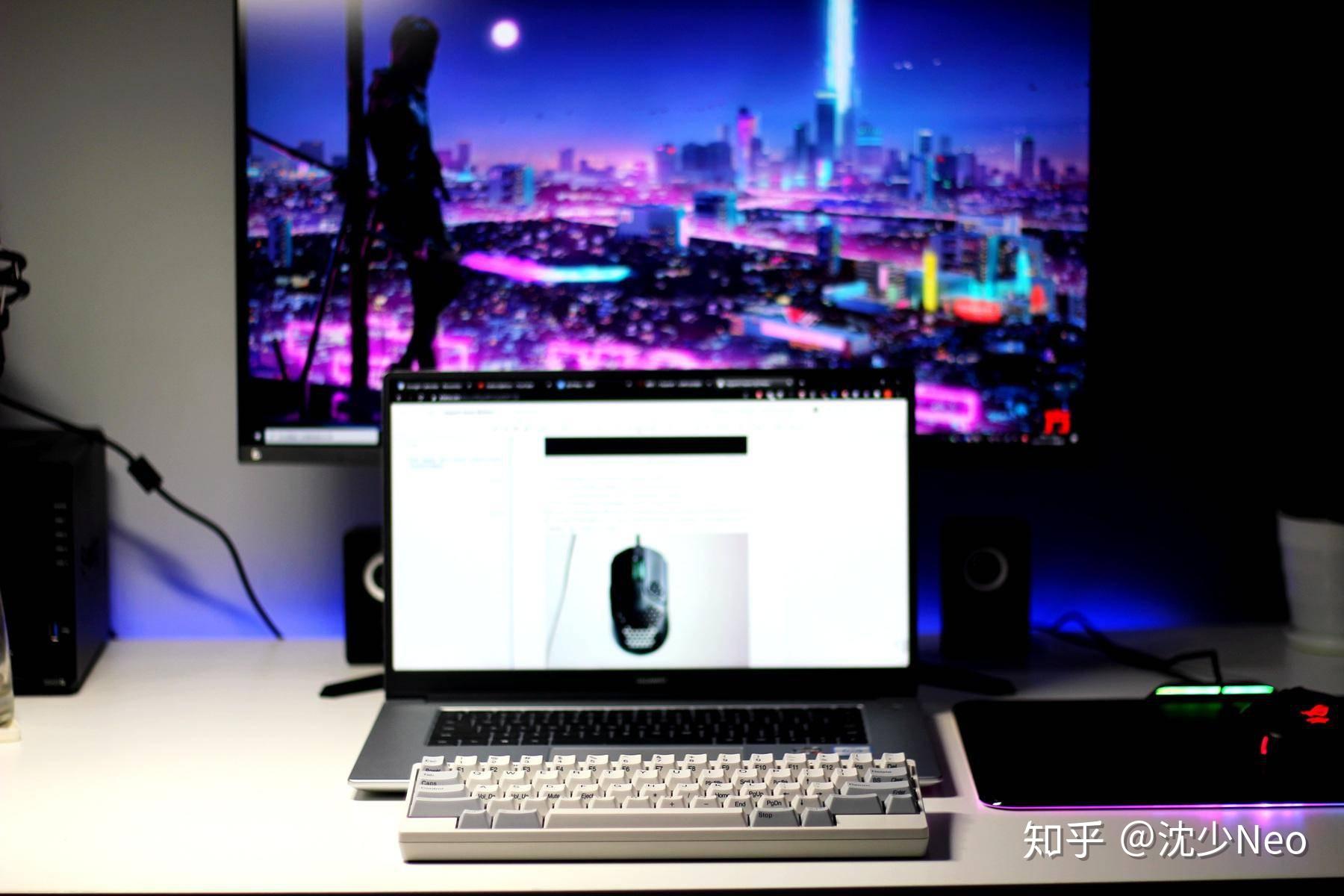
The beauty of Bluetooth is a cleaner, more minimal desk. The tiny amount of wireless latency is imperceptible in everyday use, and HHKB’s connection stability is very satisfying — no drops or disconnections.
Typing Feel
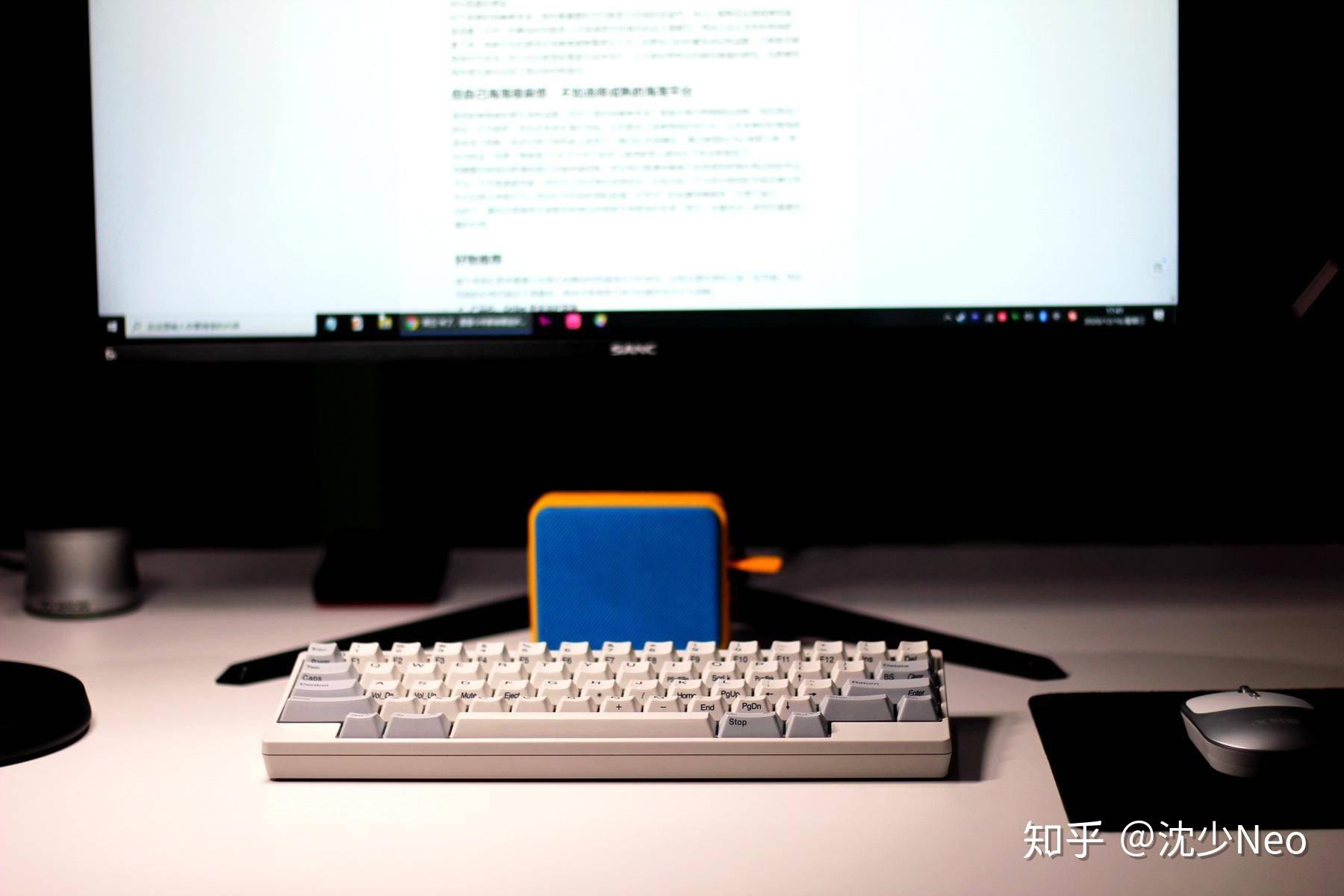
When it comes to the most critical factor — typing feel — the HHKB fully earns its reputation as the “addiction-curing masterpiece” that veterans swear by. Smooth yet not slippery, firm yet not rigid, with class-leading tactile feedback, rebound, and lateral stability.
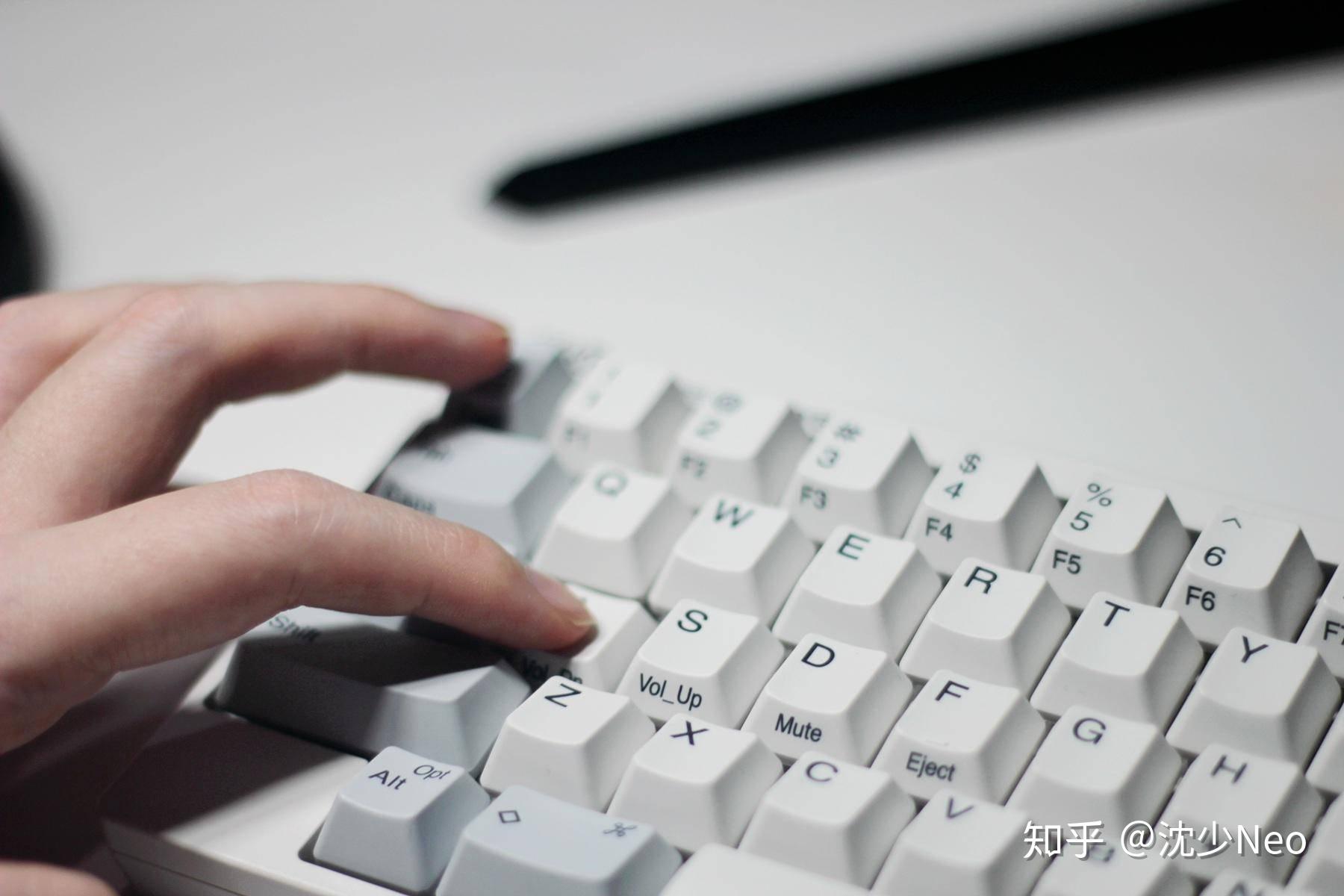
Part of this comes from the electrostatic capacitive switch itself — neither the mushy, lifeless feel of membrane keyboards, nor the punchy, impact-heavy feel of common mechanical keyboards. It strikes a balance between the two, combining responsive tactile rebound with a quiet, comfortable typing experience.
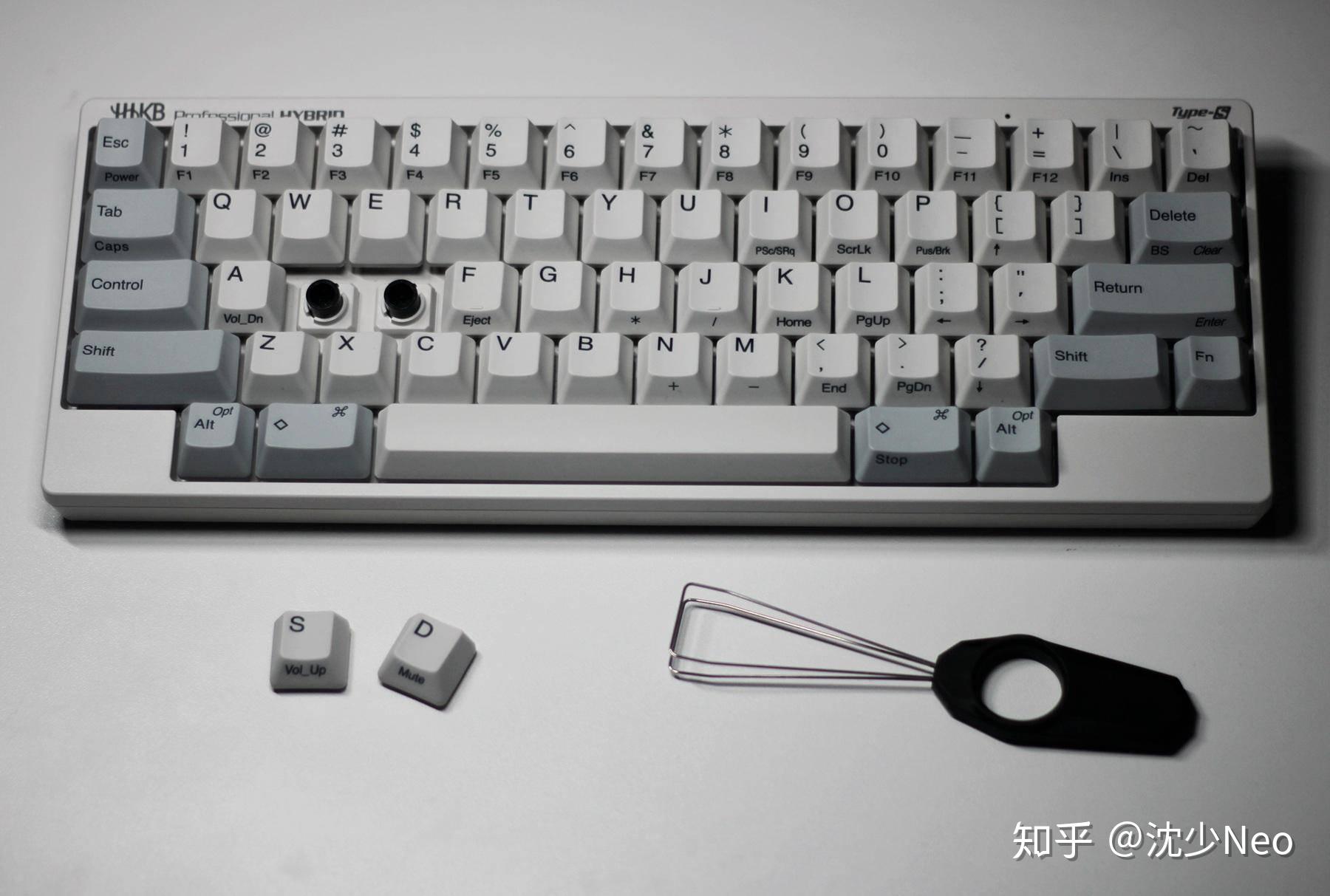
The second reason is HHKB’s exceptional build quality and this model’s silent design. Compared to the relatively loose construction of mechanical keyboards, HHKB’s non-contact electrostatic capacitive mechanism eliminates contact point wear — durable without any noticeable feel degradation over time. Its smooth pressure curve with a hint of tactile bump, combined with a piston-style stem and interlocking keycap attachment, makes the whole experience feel “solid.” Even the minor lateral key wobble that’s nearly unavoidable on mechanical keyboards — including premium ¥1000+ options from brand names like Logitech or Filco — doesn’t happen here.
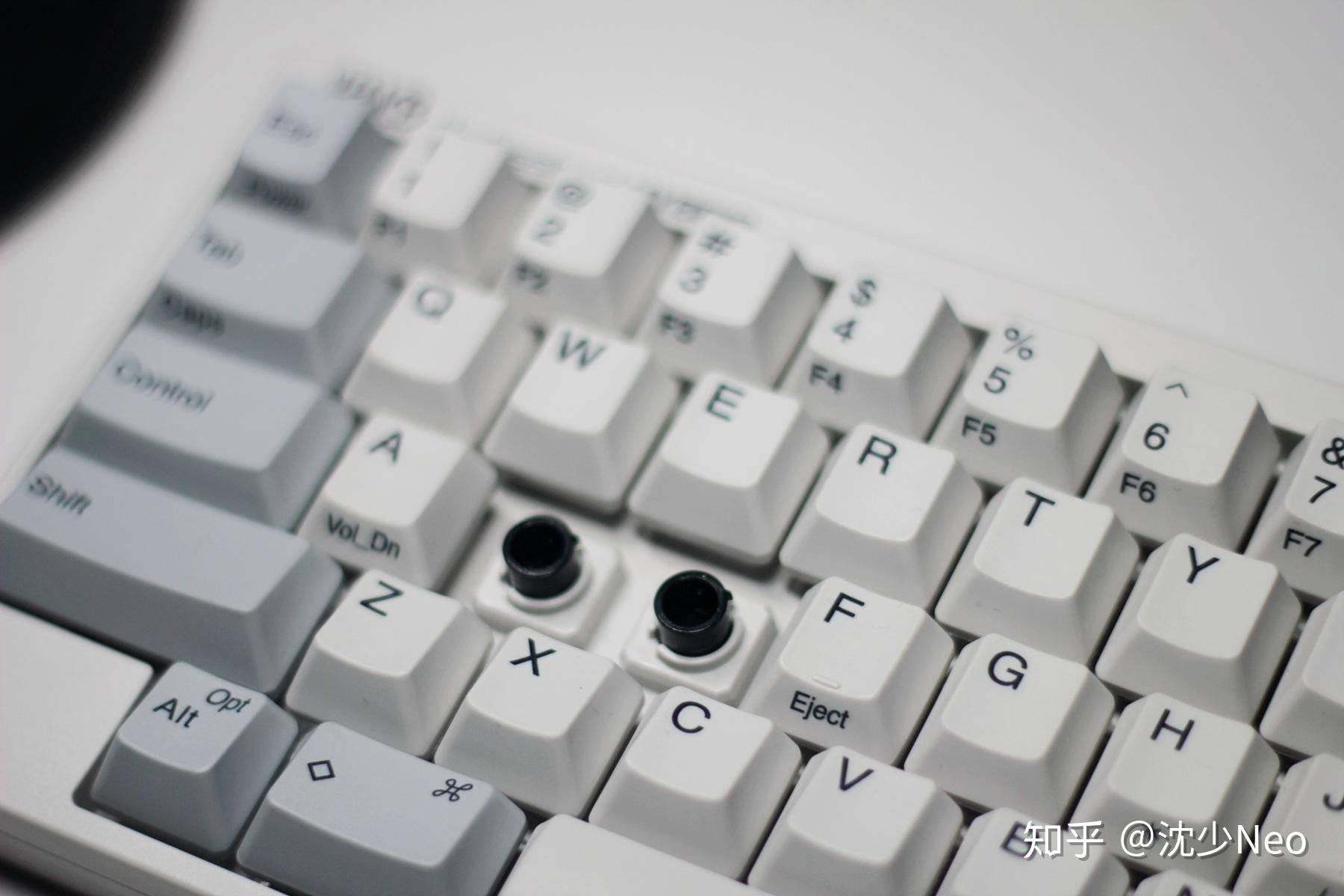
The keyboard also uses a stadium-style stepped profile — even when lying flat, the front keys sit lower and the rear keys higher, with a subtle concave dish in each keycap. The ergonomic attention to detail is excellent.
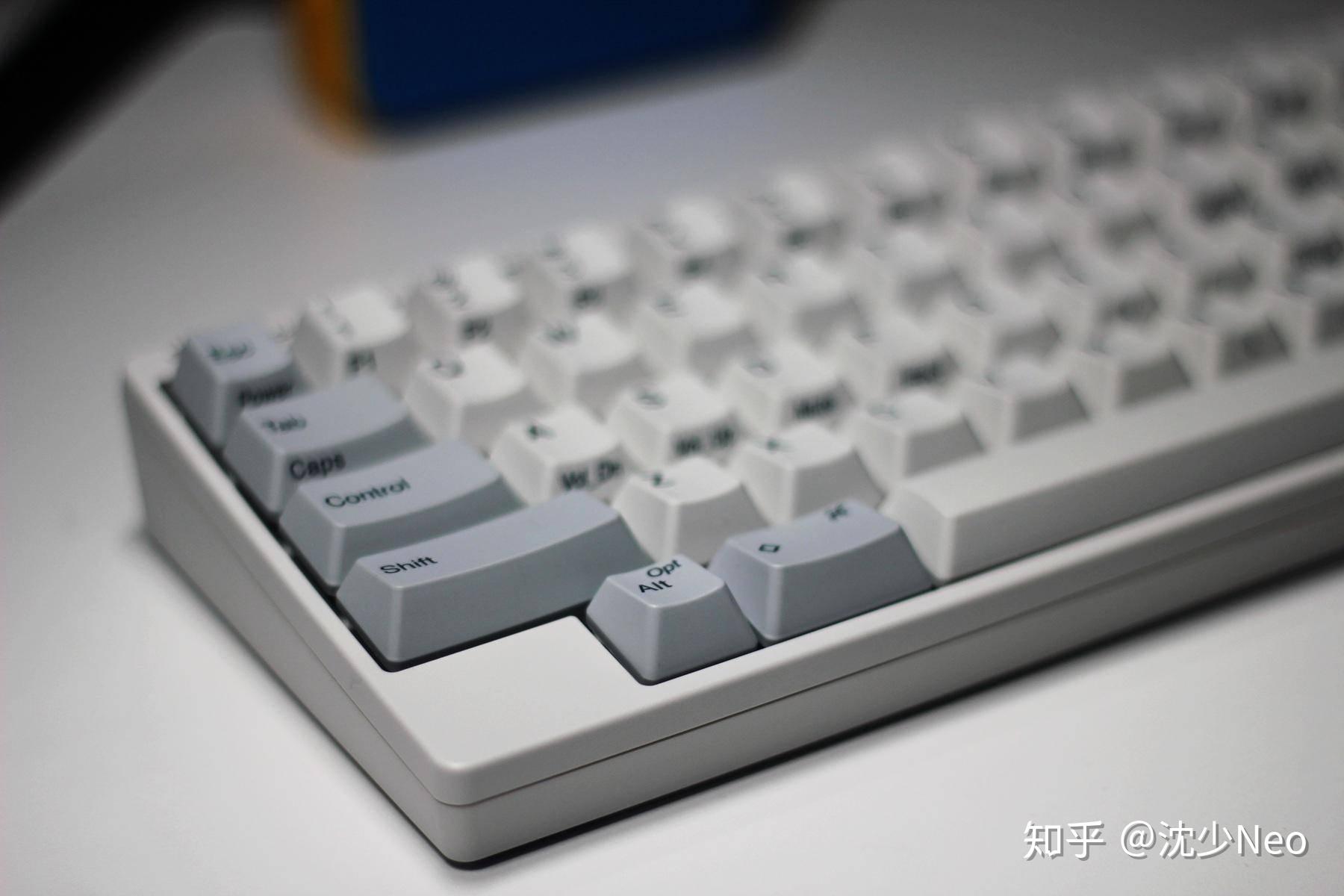
For text input and coding, HHKB delivers top-tier performance. Paired with the Windows driver for full key remapping, the customizability is genuinely strong. Combined with the “no large stretching or lateral movement needed to cover the whole keyboard” design philosophy, typing is simply excellent.
Gaming
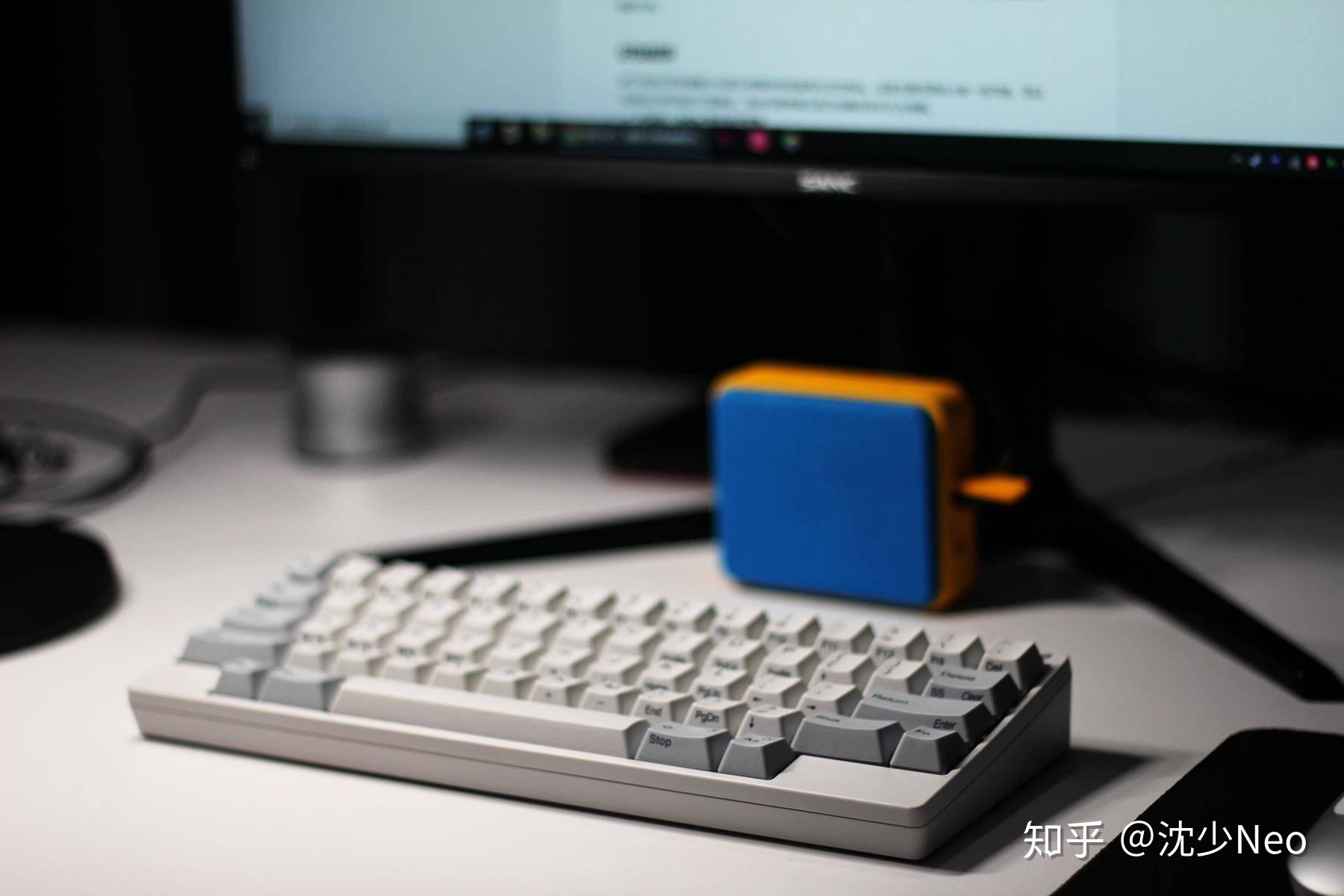
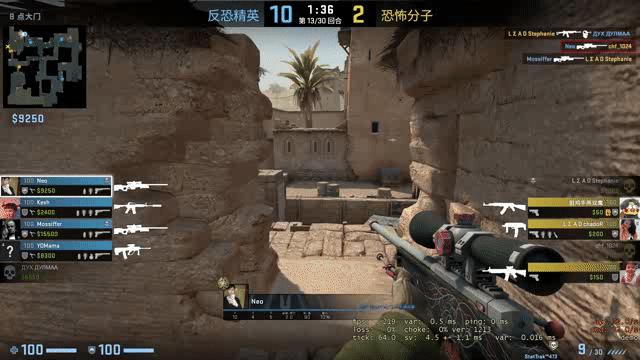
As a hardcore gamer, I had to test HHKB for gaming. In CS:GO specifically, the only real adjustment is that the Control (crouch) key has moved up — the rest of the WASD-area hotkeys are exactly the same. After a brief warm-up, it was easy to execute moves like bhop peek + repeek double-kills.
The compact size also makes microphone and mouse pad placement more flexible. For competitive gaming, I’d still recommend wired mode for zero-latency input.
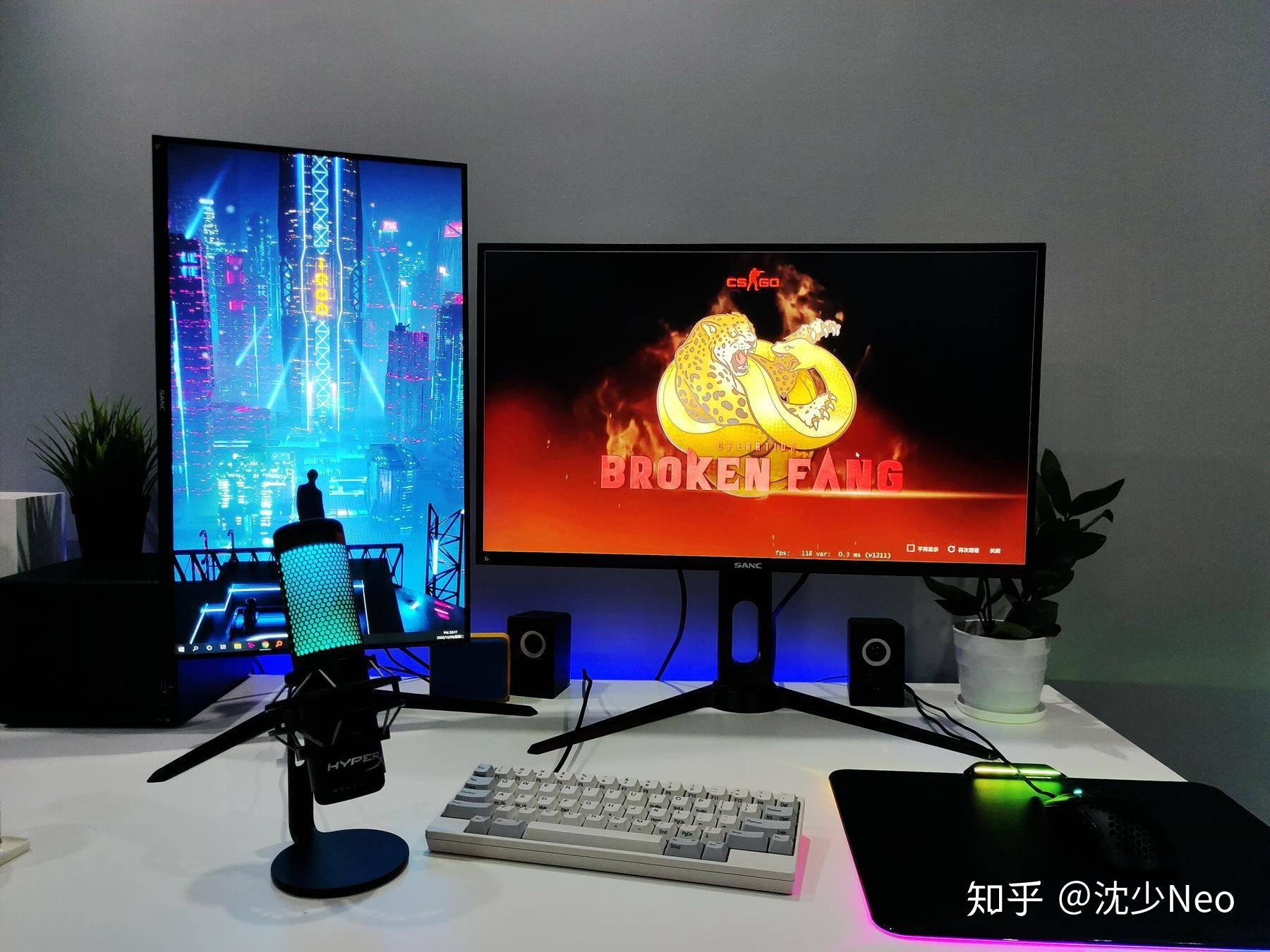
Another shout-out to the silent version’s dampening rings — they’re genuinely effective. With my old mechanical keyboard, the ambient key clicks would get picked up by my microphone during voice chat. After switching to the HHKB, key noise is so quiet that even with my mic open, it doesn’t get recorded at all.
Conclusion
Overall, the HHKB confirms exactly what many have said: “Aside from the price, everything is a pro.” With the addition of silent dual-mode support and key-remapping software, this keyboard has become significantly more versatile while retaining its class-leading feel.
-
Prefer wireless freedom? → Use Bluetooth
-
Need zero latency, or battery is dead? → Plug in any Type-C USB cable
-
Want the silent input experience? → Silent version
-
Want the standard capacitive keyboard feel? → Regular version
-
Legend style: Printed or blank (no legends)
-
Color options: White (my unit), Black
A few things to be aware of:
-
Limited keycap options: Incompatible with standard mechanical keyboard keycaps. That said, the stock keycaps are already excellent, and there are OEM and third-party options made specifically for HHKB.
-
Adaptation and de-adaptation: If you have multiple computers in heavy daily use like I do, your options are: buy multiple HHKBs / carry the HHKB everywhere / constantly switch between standard and HHKB key muscle memory.
-
Heavy numeric input users, look elsewhere: No numpad, and while remapping is possible, numeric input efficiency won’t be great.
Overall, HHKB may lean toward a programmer/geek positioning, but in practice most people will adapt and fall in love with its exceptional feel and high input efficiency. If you’re a keyboard enthusiast or heavy user looking for a “fluid, silky-smooth” addiction-curing keyboard — and budget isn’t a constraint — the HHKB Professional HYBRID Type-S with its dual-mode silent design is an outstanding choice.
HHKB is genuinely famous for good reason. If you’re looking for a meaningful gift for a partner who is a heavy keyboard user, this keyboard might be perfect.
Copyright belongs to the original author.